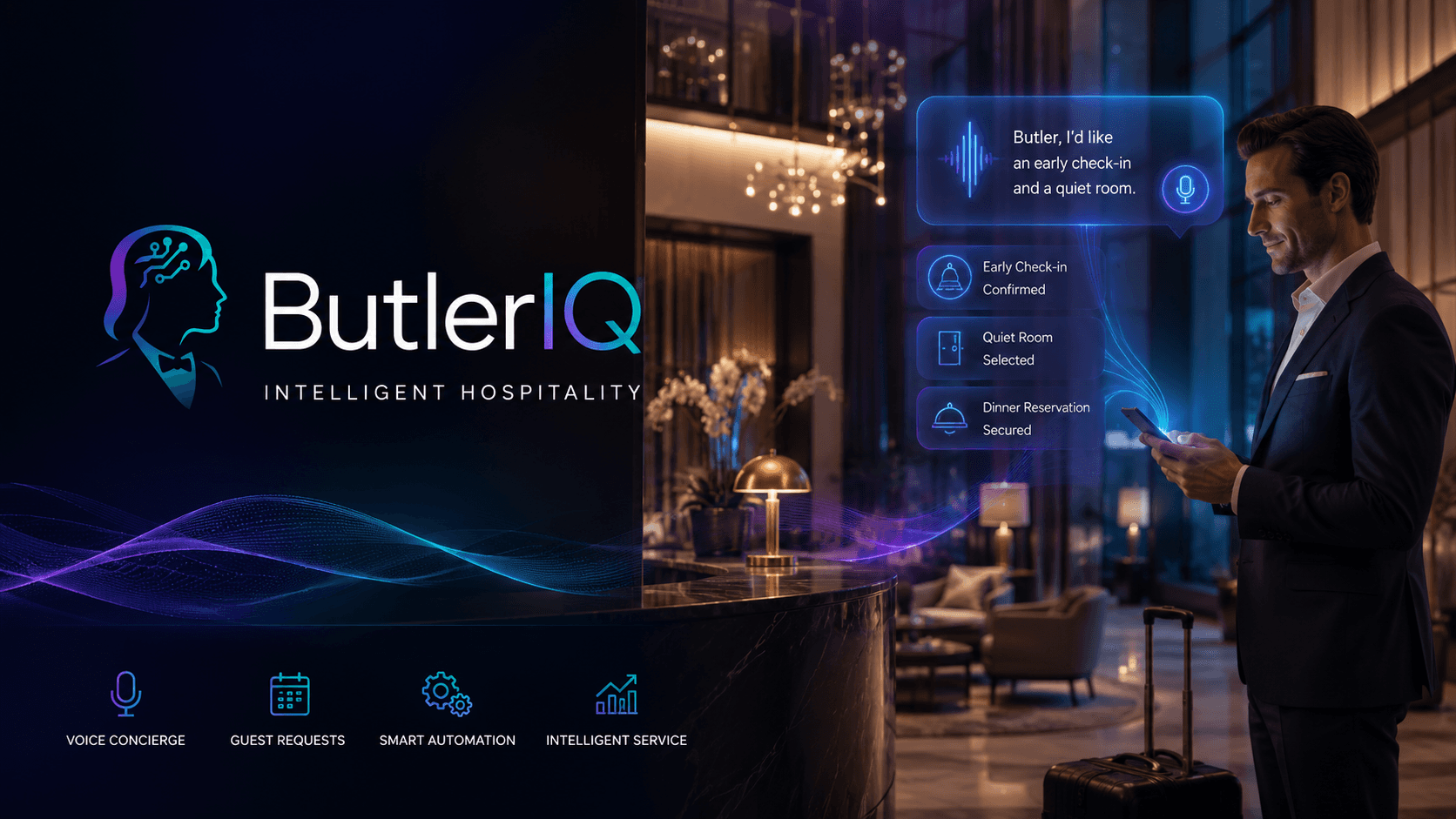
Front desk hotel software that cuts queues in 2026
Front desk hotel software streamlines bookings, payments, and housekeeping for small UK hotels. Discover practical features and a 30-day rollout plan for 2026.
A busy Friday check-in can turn into a queue, a missed upsell, and a guest who starts their stay annoyed. When we run reception on spreadsheets, paper logs, and "it's in someone's inbox", small mistakes stack up fast. Front desk hotel software gives us one place to manage bookings, payments, rooms, and housekeeping so the team can move faster without guesswork. In this guide, we'll focus on what actually works for small UK hotels in 2026, practical features, a simple selection checklist, and a 30‑day rollout plan.
Key Takeaways
Front desk hotel software centralises bookings, payments, room assignments, and housekeeping, reducing errors and streamlining reception operations for small UK hotels.
Cloud-based front desk hotel software enables staff to access real-time data from any authorised device, improving efficiency and communication across teams.
Integrating a channel manager and booking engine ensures accurate rate and inventory updates across OTAs and direct bookings, preventing costly double-bookings.
A practical 10-point checklist helps small hotels select front desk hotel software that fits their operational needs, UK compliance, and budget.
Careful planning with a 30-day implementation plan—including setup, testing, role-based training, and soft go-live—minimises disruptions and builds staff confidence.
Measuring ROI through time saved on check-ins, increased direct bookings, reduced errors, and improved guest experience demonstrates the tangible benefits of front desk hotel software.
What Front Desk Hotel Software Does (And Why It Matters For Small UK Hotels)
A single double-booking on a bank-holiday weekend can cost us hours of firefighting, a refund, and a poor review that lingers for months. Front desk hotel software (often the reception layer of a PMS) stops that chaos by putting reservations, guest profiles, room allocation, billing, and reporting into one shared system.
In practice, it means we can: assign rooms from a timeline view, take payments against the right folio, and hand clean/dirty status to housekeeping without phone tag. The bigger win for UK independents is rate and inventory accuracy across OTAs and direct bookings. When the system connects to a channel manager and booking engine, it updates availability in real time, so we don't sell the last family room twice.
It also creates a usable guest history. For example, if a returning guest always requests a quiet room and pays by invoice for corporate stays, reception can act in seconds instead of asking three colleagues. If you're mapping out the broader "less admin, better service" goal, our guide on hotel staff efficiency tools covers where software typically saves the most time across the operation.
Must-Have Features For A Smooth Reception Workflow
If reception needs three screens, two logins, and a notebook to complete a check-in, we haven't really modernised, we've just moved the mess onto a laptop. The right features reduce steps, reduce handovers, and reduce the "who changed that?" moments.
1) Cloud-based PMS core (front office + housekeeping + reporting)
When the system runs in the cloud, we can access it from any authorised device, which matters when the only free desk is the one next to the printer. Look for front office workflows, housekeeping status updates, and reports (occupancy, ADR, basic revenue) in the same place so we don't export CSVs just to answer simple questions.
2) Fast check-in/out tools (digital reg cards, ID capture, deposits)
A smooth workflow should handle pre-arrival details, capture ID where appropriate, and complete registration without printing and scanning. For example, we can pre-authorise a deposit, confirm guest details, and issue keys in under two minutes, useful when a coach arrives and everyone wants to get to dinner.
3) Channel manager + booking engine
This is where many small hotels either win or bleed margin. A proper setup keeps rates and inventory synced to the OTAs we use, while also supporting direct bookings (so we keep more revenue). One concrete test: create a dummy booking on one channel and confirm the room disappears everywhere else within minutes.
4) Integrated payments and invoicing (UK-friendly)
We need payments to post to the right folio, handle split payments, and produce VAT-friendly invoices without manual edits. If we regularly take phone payments or corporate cards, confirm the flow supports your payment rules and reduces chargeback risk.
5) Room assignment board / tape chart view
The room board is reception's "control panel". It should show arrivals, departures, stayovers, out-of-order rooms, and housekeeping status at a glance. A simple scenario to test: move a guest from Room 12 to Room 18 and check that housekeeping, billing, and reporting all update automatically.
6) Basic CRM and guest notes that staff actually use
We don't need a giant enterprise CRM, but we do need guest history, preferences, and clear internal notes. If we're considering AI-assisted service, it's worth understanding how modern guest journeys can be supported: this piece on creating seamless guest journeys with AI voice assistants gives a useful view of where operations are heading.
How To Choose The Right System: A Simple SME Checklist
Buying the wrong system usually looks fine in the demo and painful on the first Saturday night you're short-staffed. We can avoid that by using a short checklist that forces real-world answers, not sales promises.
Our 10-point SME checklist
UK readiness: Confirm GBP, VAT invoices, and UK support hours. Ask what happens at 9pm if payments stop posting.
Proven fit for independents: Request examples of similar-size UK properties using it (rooms, seasonality, mix of OTA/direct).
Pricing that matches our size: Check price per room/month, user limits, and add-on costs for channel manager, payments, and support.
Channel coverage: List the OTAs we rely on (for example Booking.com, Expedia) and confirm certified connections.
Payments: Confirm the gateway we want, refund handling, pre-auth, and settlement reporting.
Accounting integration: If we use Xero or QuickBooks, confirm how invoices and payouts sync (and what still needs manual work).
Speed to learn: A new receptionist should manage arrivals after a few shifts, not a week of classroom training.
Mobile-friendly basics: At minimum, housekeeping updates and room status should work on a phone.
Data ownership and exports: Confirm we can export guests, reservations, and reports without paying extra.
Implementation support: Ask who does configuration, migration, and channel mapping, and get names, not "our team".
A practical step: run a 30-minute "day-in-the-life" test during the demo. We take a booking, change dates, add a child, take a deposit, move the room, post a charge, and check out with a VAT invoice. If the flow feels clunky in the demo, it will feel worse with a queue behind us.
Common Pitfalls When Switching Systems (And How To Avoid Them)
The most expensive part of a system switch is not the subscription, it's the week where staff lose confidence and start writing things down "just in case". We can prevent that by planning for the failure points that hit small hotels hardest.
Pitfall 1: Messy data migration
If future reservations import with missing rates, notes, or source channels, reception will waste hours fixing each booking. We should insist on a structured import of future reservations, guest profiles, and company accounts, then spot-check 20 random bookings (including packages and split stays) before we sign off.
Pitfall 2: No clear go-live plan
A hard cutover on a busy weekend can turn minor issues into a full operational jam. A safer approach is a short parallel run: keep the old system read-only for reference while the new one handles live check-ins and new bookings.
Pitfall 3: Undertraining across shifts
One long training session rarely sticks, especially for part-time staff. We can schedule three short sessions: arrivals/check-in, in-house changes (room moves, extensions), and departures/refunds. Then we assign a "floor walker" for the first two peak check-in periods.
Pitfall 4: Channel mapping mistakes
Wrong room-type mapping or rate-plan rules can create silent overbookings. Before opening sales, we should verify each room type and rate plan with a test booking per channel and confirm the inventory decrement works end-to-end.
If we want a quick reference point for what good looks like in 2026, this article on front desk hotel software in 2026 pairs well with the pitfalls above because it focuses on queue reduction and day-to-day workflow reality.
Implementation Plan: From Setup To Staff Training In 30 Days
Without a timeline, implementation expands to fill every quiet moment, and then collides with your next busy weekend. We can keep it contained with a 30-day plan that gives reception and housekeeping time to practise before guests feel the change.
Week 1: Contract, setup, and property basics
We set up room types, rate plans, policies, user roles, and permissions. We also agree naming conventions (for example "DBL-STD" vs "Double Standard") because inconsistent labels create reporting headaches later.
Week 2: Channels and payments, plus real testing
We connect the channel manager and booking engine, then configure payments (pre-auth rules, refunds, settlement reports). A concrete test: create a direct booking, an OTA booking, and a phone booking: then process a deposit and a refund in the sandbox or test environment.
Week 3: Training by role, not by feature list
We train reception on arrivals, in-house changes, and departures: we train housekeeping on room status updates and maintenance notes. Each person completes a short checklist during a live shift (for example, "change a room, post a minibar charge, resend a confirmation").
Week 4: Soft go-live and tidy switch-over
We run a soft go-live on quieter days, keep the old system read-only, and log every issue in a shared list with an owner and deadline. At the end of the week, we lock channel sales for a short window (often an hour is enough), verify mappings one last time, then switch fully.
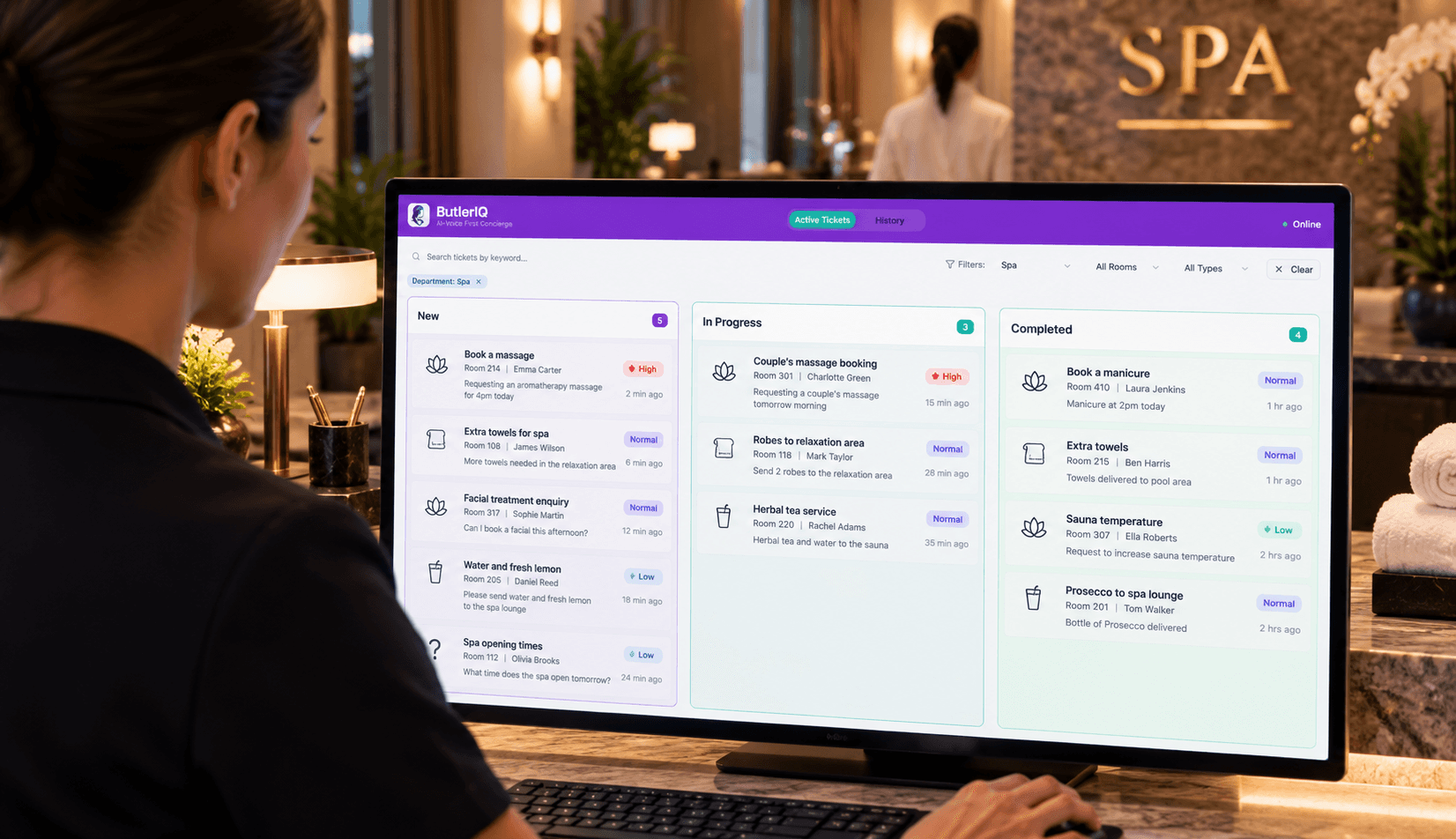
If the tool includes operational visibility features, it helps to centralise tasks. For example, a staff dashboard for hotel teams can reduce the "who's doing what?" chatter during peak arrivals by keeping status updates in one place.
How To Measure ROI: Time Saved, Revenue Lift, And Guest Experience
If we don't measure outcomes, we end up judging the software on vibes, usually right after a stressful shift. ROI for front desk hotel software becomes obvious when we track a few numbers before and after go-live.
Time saved (labour and admin)
We can time three repeatable moments: check-in, check-out, and "change request" (late checkout, room move, date change). For two weeks before go-live, we record averages in a simple sheet. After go-live, we measure again. If check-in drops from 6 minutes to 3 minutes across 25 arrivals, that's over an hour back in a single day.
Revenue lift (direct bookings and fewer lost sales)
We track direct booking share, occupancy, ADR, and RevPAR, but we also track "hidden" revenue like upsells that staff actually have time to offer. A practical metric: count how many times per week we successfully sell early check-in, late checkout, or room upgrades, and what revenue that adds.
Fewer errors (and fewer refunds)
We log overbookings, rate mistakes, and payment disputes. Even one avoided double-booking per quarter can justify the subscription when we factor in refunds, staff time, and the cost of relocating guests.
Guest experience (reviews and response times)
We track review mentions of check-in speed, billing accuracy, and staff helpfulness. We can also measure how quickly we resolve a common request, like issuing a duplicate invoice or moving a guest due to noise.
If guest experience is a priority, it's worth thinking beyond reception. Tools like guest devices for in-room requests can reduce call volume and free the desk for face-to-face service, which often shows up quickly in review language.
Conclusion
Queues, overbookings, and billing mistakes rarely come from "bad staff", they come from weak systems under pressure. In 2026, front desk hotel software that unifies bookings, channels, payments, and housekeeping can give small UK hotels a calmer reception, cleaner data, and better reviews. If we choose with a tight checklist and roll out with a 30‑day plan, the gains show up fast: fewer admin hours, more direct revenue, and guests who start their stay in a good mood.
Frequently Asked Questions about Front Desk Hotel Software for Small UK Hotels
What is front desk hotel software and why is it important for small UK hotels?
Front desk hotel software is digital reception software, part of a Property Management System (PMS), that centralises reservations, guest profiles, room assignments, billing, and reporting. It reduces manual errors, keeps OTAs and direct bookings in sync, speeds up check-ins, and improves overall hotel operations in small UK hotels.
Which key features should I look for in front desk hotel software for a UK independent hotel?
Must-have features include a cloud-based PMS covering front office, housekeeping, and reporting; fast check-in/out tools with digital registration; channel manager and booking engine for OTA and direct bookings; integrated UK-friendly payments and invoicing; a room assignment board; plus basic CRM and guest history functions.
How can front desk hotel software improve the check-in process?
It enables fast, seamless check-ins by handling pre-arrival information, digital ID capture, and deposit pre-authorisations, often completing registration and key issuance within two minutes. This efficiency reduces queues and improves guest satisfaction, especially during busy periods like coach arrivals or holidays.
What common pitfalls should small hotels avoid when switching to new front desk software?
Key pitfalls include messy data migration, lack of a clear go-live plan, insufficient training across shifts, and errors in channel mapping. To avoid these, insist on structured data imports, run old and new systems in parallel briefly, schedule multiple short training sessions, and thoroughly test channel and rate mappings before going live.
How do I choose the right front desk hotel software that fits a small UK hotel's needs?
Use a checklist focused on UK readiness (GBP, VAT, support), proven use by similar independents, pricing per room and user, integrations with your OTAs and payment gateways, ease of use with quick learning curves, mobile-friendly interfaces, data ownership terms, and strong implementation support including migration and channel setup.
What benefits in revenue and guest experience can a small hotel expect from implementing front desk hotel software?
Hotels can expect time savings in check-in/out, increased direct bookings and upselling revenue, fewer errors and refunds, and better guest reviews through faster service and accurate billing. Tracking before-and-after metrics like occupancy, ADR, RevPAR, and guest feedback helps demonstrate clear ROI.
Sep 25, 2026
Hospitality Innovation
Guest Request Routing for Hotels in 2026: Cut Front Desk Workload Without Adding Headcount
Manual guest requests quietly eat hours of front desk time every week. See how automatic request routing works, what it saves your team, and how to evaluate it for your property.

Sep 15, 2026
Hotel Upselling Solutions: Why Pre-Arrival Isn't Enough
Hotel upselling doesn't require aggressive sales tactics—it requires smart timing and conversational delivery. Learn how modern hotels use voice-first AI and personalised offers to increase ancillary revenue by £15–£30 per stay while keeping guests feeling genuinely helped, not pressured. This guide covers proven upselling strategies, multilingual AI integration, and weekly KPI tracking for UK SME properties

Aug 14, 2026
Smart Hotel Rooms: Why the First Wave Failed, and What the Next One Looks Like
Smart hotel rooms promised a lot and delivered little. Here's what changed, what a genuinely smart room does in 2026, and how UK operators should approach it.
