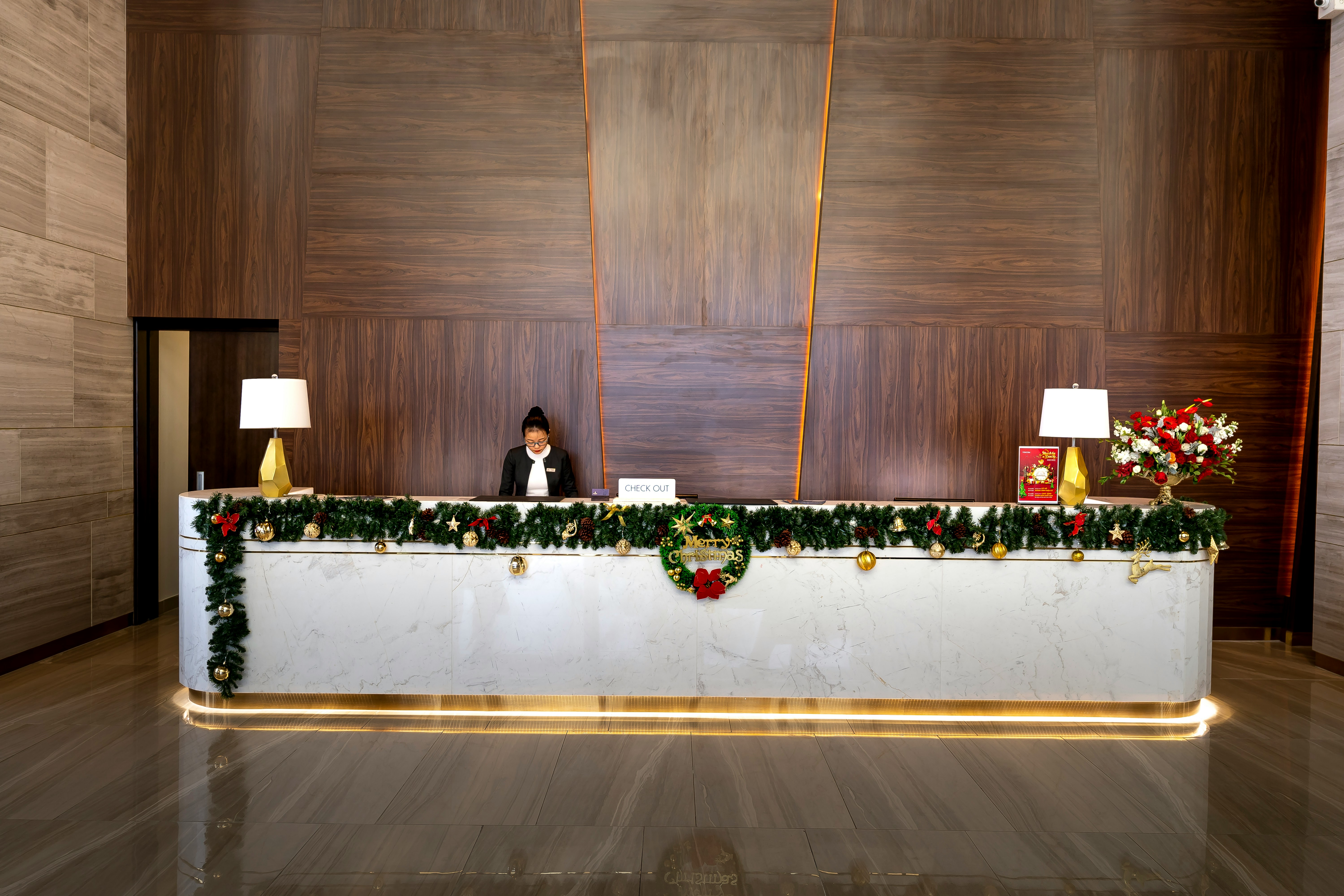
Front desk hotel software in 2026: fewer queues, happier guests
Front desk hotel software in 2026: fewer queues, happier guests
A busy Friday check-in can fall apart fast: one card pre-auth fails, housekeeping hasn't flipped a room, and a walk-in guest insists they booked "yesterday". Front desk hotel software stops those small cracks from turning into bad reviews by keeping reservations, rooms, payments, and guest details in step. In this guide, we'll show what matters in 2026, what to prioritise when you compare systems, and how to prove the ROI once you go live.
Key Takeaways
Front desk hotel software streamlines operations by managing reservations, rooms, payments, and guest details, reducing errors and improving guest satisfaction.
Prioritise intuitive, fast workflows for check-in, check-out, and payment processing to minimise queues and staff errors at busy times.
Choose cloud-based systems for easier updates and remote access, but ensure reliable internet and robust vendor support; multi-property capabilities support future growth.
Look for software with strong integrations to PMS, channel managers, POS, and key systems to keep data in sync and prevent reservation or billing discrepancies.
Implement role-based access and audit logs to maintain security and compliance with UK GDPR, protecting guest and payment data effectively.
Measure ROI post-implementation by tracking check-in times, payment accuracy, guest complaints, and upsell conversions to continually optimise front desk hotel software effectiveness.
What Front Desk Hotel Software Does (And Why It Matters More Than Ever)
When the front desk runs on spreadsheets, sticky notes, and memory, the costs show up in places you can't easily "staff your way out of": double-allocated rooms, missed deposits, chargebacks, and that awkward moment when a guest asks for a late checkout and nobody can see the day's departures.
Front desk hotel software is the operational layer that sits between your guests and your property's moving parts. At its simplest, it lets reception teams manage reservations, assign a room, check guests in and out, take payment, and produce accurate invoices. In practice, the best systems behave like a real-time control panel for the entire hotel: arrivals, departures, room status, housekeeping, rate rules, guest profiles, and exceptions.
Why it matters more in 2026 comes down to expectations and channel complexity. Guests book through OTAs, metasearch, direct booking widgets, corporate tools, and group blocks, and they expect the front office to have the full story instantly. At the same time, labour remains tight in hospitality, so a "good enough" reception workflow that depends on one experienced supervisor becomes a risk. The right desk software reduces the number of decisions a receptionist has to make under pressure.
A practical way to think about it: every minute you save on admin is a minute you can spend on the guest experience. That might mean offering a room move proactively when a family arrives early, spotting repeat guests and noting preferences, or handling a complaint properly rather than rushing to clear the queue.
Core Features That Make Or Break Day-To-Day Reception Work
If you've ever watched a new starter freeze at the desk because "the system is confusing", you already know the truth: features only matter if they work at speed, in a real lobby, with real interruptions.
The make-or-break features are the ones that support reception's core rhythm, arrivals, departures, changes, and payments, while keeping other teams in sync. In 2026, we also see a clear gap between tools that record what happened and tools that prevent the next error.
Look for a front office screen that gives you, at a glance:
Today's arrivals and departures with clear flags (early arrival, VIP, balance due, notes)
Live room status tied to housekeeping (dirty/clean/inspected/out of order)
A simple way to move guests between rooms without breaking rates or tax rules
A guest profile that captures useful details (preferences, previous issues, communication history)
Audit trails for changes (who edited a reservation, when, and why)
A concrete test we like: ask the vendor to show you how a receptionist would handle three changes in five minutes, a date change, a room-type upgrade, and adding breakfast for two nights, while the guest is standing there. If the demo turns into "go to Settings…", you'll feel it in live operations.
Check-In And Check-Out Workflows That Reduce Queues And Complaints
Queues don't start at the front door: they start when reception has to do too many steps per guest. A single extra step, copying passport details into the wrong field, re-entering the card number because a token didn't save, hunting for a room that is actually clean, creates a backlog you then carry all evening.
Strong check-in workflows reduce steps and surface exceptions early. In practical terms, that means:
Pre-arrival tasks: automated emails or SMS that confirm arrival time, collect key details, and set expectations (parking, breakfast hours, deposit policy).
Fast identity capture: document scanning or structured fields that reduce manual typing and help consistency across staff.
Room assignment that matches reality: a drag-and-drop planning view or clear arrivals list that respects housekeeping status and maintenance blocks.
Clear prompts for policy: for example, a deposit prompt that appears only when required, not on every booking.
Here's a scenario to pressure-test: it's 16:30, three rooms aren't ready, and two guests arrive early. The best desk software lets you (1) see which rooms are nearly ready, (2) offer alternatives, (3) record that agreement on the reservation, and (4) trigger housekeeping priorities, without a separate radio call and without losing the paper trail.
On check-out, you want the opposite: fewer surprises. Look for a single screen that shows the final folio, outstanding balances, and any late checkout fees, and that produces an emailed invoice instantly. If your team still prints, stamps, and files paper invoices "because it's easier", that's a sign the workflow needs help.
Payments, Deposits, Invoicing, And Refunds Without Front-Desk Headaches
Payments are where reception stress turns into financial risk. When deposits are inconsistent, refunds are manual, or card-present and card-not-present rules are unclear, you don't just annoy guests, you create reconciliation gaps and chargeback exposure.
At minimum, your front desk software should support:
Deposits and pre-authorisations with clear rules by rate type (flexible vs non-refundable, group vs transient)
Split payments (two cards, card + cash, company billed + guest extras)
Itemised invoicing that maps to your tax setup, with clean audit trails for edits
Refunds that follow your policy and still reconcile properly in reporting
A good real-world check: ask how the system handles a guest who extends by one night and changes from personal to company payment for the final night. Weak systems force you to create a second reservation or manually rewrite the folio. Better systems keep one reservation, one guest profile, and a clear folio split.
We also recommend you involve whoever does month-end reconciliation in the evaluation. Reception may tolerate a clunky invoice screen for the sake of speed, but finance will not tolerate a reporting structure that makes it impossible to trace payments back to reservations and rooms.
Choosing The Right System: Cloud Vs On-Premise, Single Property Vs Multi-Property
The wrong choice here tends to show up six months later, when you try to add a second property, launch a direct booking push, or tighten controls around refunds, and discover your system can't grow with you.
Cloud vs on-premise is not just an IT preference. It changes how you work day-to-day.
With a cloud-based property management system, teams usually get:
Faster feature updates (new payment methods, integration improvements, security patches)
Easier remote access for owners and managers (useful when you're off-site but still need visibility)
More predictable costs, because hosting and maintenance are bundled
The trade-off is reliance on stable internet and trust in the vendor's uptime and support. That's why we suggest you ask for uptime history and support SLAs, and you test how the system behaves during a connectivity wobble (for example, can you still view arrivals and take notes locally?).
On-premise systems can still make sense when you have strict internal constraints or limited connectivity, but they often push more responsibility onto you: updates, security hardening, backups, and hardware lifecycle. If you go this route, you need a clear plan for patching and a named person responsible for it.
Single property vs multi-property is equally practical. Even if you only run one hotel today, choose a management system that can handle:
Central guest profiles (so repeat guests feel known across sites)
Cross-property reporting (occupancy, ADR, revenue mix)
Shared rate and policy templates, with property-level overrides
A simple decision framework we use with operators is:
How many booking sources do we have today? (OTAs, direct booking, corporate, groups)
How often do we change rates and packages? (weekly, daily, real-time)
How much do we rely on one "power user"? (if the answer is "a lot", prioritise usability and training tools)
What is our next operational milestone? (second property, refurbishment, new POS, new payment provider)
If your next milestone is growth, it's often cheaper to switch once into a system that supports it than to patch together add-ons later.
Integrations That Keep Data In Sync: PMS, Channel Manager, POS, And Key Systems
The fastest way to lose revenue is to let systems disagree with each other. One rate in your booking engine, a different rate in your channel manager, and a third "special deal" scribbled on a handover sheet is how overbookings and refund disputes start.
In 2026, front desk software should not act like a standalone tool. It should act like the hub that keeps the property management system, distribution, and on-site sales aligned.
Here are the integrations that tend to make the biggest operational difference:
Channel manager: real-time inventory and rate updates to OTAs. This reduces overbookings and cuts the time staff spend "closing out" rooms manually.
Booking engine: direct booking should feed into the same reservation flow as OTAs, with the same deposit rules and guest communication.
POS: restaurant, bar, spa, and parking charges should post to the room without staff retyping totals. Look for clean mapping of categories (food, beverage, retail) so invoices stay clear.
Key systems: encoding keys from the reservation screen saves minutes per check-in, and it reduces those late-night "key doesn't work" returns to the desk.
A concrete integration test: run a simulated day where a guest books online, modifies their booking, adds breakfast, and then charges dinner to the room. If your staff must "reconcile" data between systems at any point, that's a sign the integration is weak or the setup needs more work.
We also suggest you check how the system handles edge cases, because that's where sync breaks:
Room moves after check-in (does the POS still post to the right folio?)
No-shows and late cancellations (does inventory return to sale everywhere?)
Split stays (two rooms, same guest, one invoice)
Good integrations don't just save time: they protect guest experience. When reception can see the full picture, reservation, room, payment status, and on-property spend, they can answer confidently, not with "I'll need to check and call you back".
Security, Privacy, And Compliance: Keeping Guest And Payment Data Safe
A single data slip at reception can become a bigger problem than a bad review. If a staff member emails an invoice to the wrong address, stores card details incorrectly, or leaves a screen visible to the queue, you've got a privacy incident on your hands.
Security in front desk hotel software needs to cover two categories: guest data (names, addresses, passport details, preferences) and payment data (card details, tokens, refunds, chargebacks). In the UK, you also need to think clearly about UK GDPR responsibilities, because reception staff handle personal data all day.
What we look for in practical terms:
Role-based access: housekeeping does not need access to full payment history: night auditors may need more than day reception. Set roles that match real jobs.
Audit logs: you should be able to see who refunded a payment, who changed a rate, and who edited a guest profile. This is vital when you investigate disputes.
Data minimisation: capture what you need for the stay and compliance, but don't collect extra fields "because we can". For example, record preferences that improve the guest experience, not sensitive notes that create risk.
Secure payments: use tokenisation and proper payment integrations so staff do not handle raw card data. If a vendor can't explain how they reduce card exposure at the desk, treat that as a red flag.
A quick lobby reality check: can you configure the system to auto-lock after short inactivity, and can staff switch users fast? If sign-out takes 30 seconds, they won't do it during peak check-in, and the screen will sit open.
Finally, ask about backups, incident response, and support escalation. When something goes wrong, an integration fails, a device is stolen, or a staff account is compromised, you need a clear path to contain the issue quickly, not a generic ticket queue.
Implementation That Actually Works: Migration, Training, And Change Management
Most software projects fail in the handover week, not in the sales demo. The risk is simple: your team keeps serving guests while you change the system underneath them, and any confusion lands directly on the front desk.
An implementation that works usually has three parts: clean migration, practical training, and a change plan that respects how hotels operate.
Migration: start with the data that drives day-to-day operations.
Import future reservations with correct rate plans, deposits, and notes.
Migrate room types, room numbers, and housekeeping statuses accurately.
Bring over guest profiles selectively (for example, repeat guests and corporate accounts), rather than dumping years of messy data.
A concrete step that saves pain: run a "parallel day" where you process a small set of arrivals in the new system while still relying on your old system as the source of truth. It exposes missing fields and workflow gaps before you go live.
Training: focus on scenarios, not features.
We recommend you train around the five reception moments that cause the most stress:
Early arrival with no clean room available
Room move after a complaint
Split billing for corporate and personal charges
Deposit disputes at checkout
Walk-in booking during a busy shift
Each scenario should include a checklist (what to click, what to confirm with the guest, what note to leave, what to tell housekeeping). This makes training stick for new starters.
Change management: name "super users" and protect time.
Pick one or two people per shift who become the first point of contact. Give them protected time in the first two weeks to answer questions and tidy setup issues (rate rules, templates, user permissions). Without this, small annoyances stack up and staff revert to workarounds.
And don't forget guest communication. If you introduce new policies, like deposits at booking or digital registration, explain them clearly in pre-arrival messages. Guests accept change far more easily when it feels consistent and well signposted.
Measuring ROI: The Metrics To Track After You Go Live
If you don't measure outcomes, the team will judge the new system on feelings: "it's faster" or "it's annoying". ROI becomes much easier to defend when you track simple metrics that map to cost, revenue, and guest experience.
We suggest you set a baseline for 4–6 weeks before go-live, then compare at 30, 90, and 180 days. Track a mix of front office, finance, and guest measures.
Operational time and accuracy
Average check-in time per guest (sample peak days, not quiet Mondays)
Number of room moves caused by allocation errors
Number of manual corrections to invoices after checkout
Housekeeping coordination: time from "guest checked out" to "room ready"
Revenue and payments
Deposit capture rate (how often you successfully take deposits where policy requires it)
Chargeback rate and refund errors (count and value)
Upsell conversion at check-in (late checkout, breakfast, upgrades) with a clear definition of what counts
Guest experience
Review mentions that reference check-in, queues, keys, billing, or staff helpfulness
Complaint volume at reception tied to room readiness and billing clarity
Repeat guest recognition rate (how often staff use guest profiles to personalise the stay)
A practical example: if your new workflow cuts average check-in from 6 minutes to 4 minutes on a 60-arrival day, that's two hours of reception capacity you've effectively recovered. You can redeploy that time into better guest communication, less queue friction, and fewer rushed mistakes.
Treat ROI like an ongoing review, not a one-off sign-off. Systems drift: new staff join, rate plans change, integrations get updated. A quarterly review keeps the software aligned with how your hotel actually runs.
Conclusion: A Practical Shortlist For Confident Front Desk Software Decisions
When reception feels chaotic, guests assume the whole hotel is disorganised, even if the rooms are spotless. The right front desk hotel software gives you calmer check-ins, cleaner payments, and fewer avoidable errors because everyone works from the same live picture.
Our practical shortlist is simple: prioritise fast check-in/check-out, reliable payment handling, real-time room status with housekeeping, and integrations that stop double-entry. Then validate your choice with scenario-based demos, a clear migration plan, and ROI metrics you can review after go-live. If the system makes it easier for your team to look after guests under pressure, it's the right direction of travel.
Frequently Asked Questions about Front Desk Hotel Software
What is front desk hotel software and why is it important in 2026?
Front desk hotel software centralises management of reservations, room assignments, payments, and guest profiles in real-time. It reduces errors, handles complex booking channels, and improves guest experience, making it essential for modern hotels in 2026.
How does front desk hotel software improve check-in and check-out processes?
It streamlines workflows with features like automated pre-arrival communications, fast identity capture, real-time room status views, and instant invoicing, substantially reducing queues and guest complaints at arrival and departure.
What core features should I prioritise when choosing front desk hotel software?
Look for easy-to-use arrival and departure dashboards, live housekeeping status, flexible room assignment, detailed guest profiles, and audit trails. These features ensure smooth reception operations and reduce errors under pressure.
What are the benefits of cloud-based front desk hotel software compared to on-premise systems?
Cloud-based software offers faster updates, easier remote access, and predictable costs bundled with hosting and maintenance. It supports scalability and enables real-time data syncing, though it requires reliable internet connectivity.
How does front desk hotel software integrate with other hotel systems?
It connects with channel managers, booking engines, POS systems, and key encoding devices, ensuring real-time inventory updates, unified billing, and accurate data synchronization across all hotel operations to enhance efficiency.
What security measures does front desk hotel software include to protect guest and payment data?
Modern systems provide role-based access controls, audit logs for changes, data minimisation policies, tokenised secure payments, auto screen-locking, and GDPR compliance to safeguard sensitive guest information and reduce privacy risks.

Sep 15, 2026
Hotel Upselling Solutions: Why Pre-Arrival Isn't Enough
Hotel upselling doesn't require aggressive sales tactics—it requires smart timing and conversational delivery. Learn how modern hotels use voice-first AI and personalised offers to increase ancillary revenue by £15–£30 per stay while keeping guests feeling genuinely helped, not pressured. This guide covers proven upselling strategies, multilingual AI integration, and weekly KPI tracking for UK SME properties

Aug 14, 2026
Smart Hotel Rooms: Why the First Wave Failed, and What the Next One Looks Like
Smart hotel rooms promised a lot and delivered little. Here's what changed, what a genuinely smart room does in 2026, and how UK operators should approach it.

Jul 30, 2026
Voice-First Hotel AI Concierge: Turn Guest Requests Into Revenue And Free Your Front Desk
A voice-first hotel AI concierge captures guest requests, routes them to your team, and turns everyday asks into upsell revenue. See how it works.
